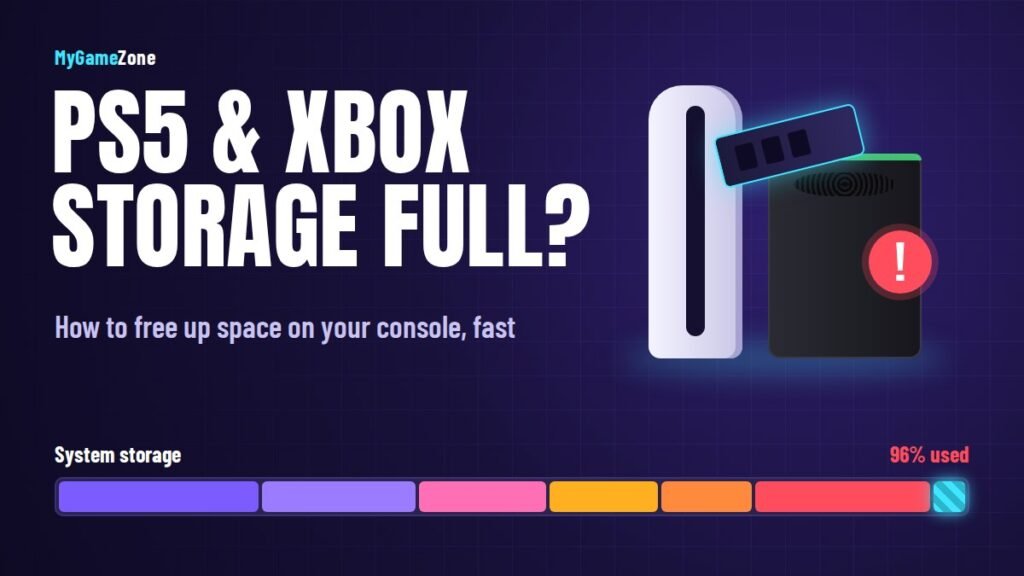

Modern games are enormous, and this autumn is especially demanding: Call of Duty: Modern Warfare 4 arrives on October 23, GTA 6 preloads on November 12, and there's a huge list of other launches in between. If your console is constantly asking you to delete something, this guide shows you how to free up space on PS5 and Xbox Series X|S and how to expand your storage without wasting money.
Step 1: Find Out What's Eating Your Space
On PS5
Go to Settings → Storage → Console Storage. You'll see how much space is used by games and apps, saved data, media gallery and other files. Open Games and Apps to sort everything by size.
On Xbox Series X|S
Go to Settings → System → Storage devices or open My games & apps → Manage. The manage screen lets you sort installed games by size and see what's taking up the most room.
Step 2: Quick Ways to Free Up Space
- Delete games you've finished or stopped playing. Your save data stays on the console (and in the cloud with PS Plus or Xbox cloud saves), so you can reinstall later without losing progress.
- Remove game modes you don't play. Some big games, Call of Duty especially, let you uninstall individual parts such as the campaign or extra modes. On PS5, open the game's options and choose Manage Game Content; on Xbox, use Manage game and add-ons.
- Clear your capture gallery. Video clips, especially 4K ones, pile up fast. Delete what you don't need or move it to USB.
- Uninstall apps you don't use. Streaming and media apps you've forgotten about all take space.
- Delete leftover files for disc games you no longer own. Updates and installs can remain on the console after the disc is gone.
Step 3: Expand Your Storage the Right Way
If clearing space isn't enough, it's time to add more. This is where many players waste money, because PS5 and Xbox handle extra storage very differently.
PS5: Add an M.2 NVMe SSD
Every PS5 model – original, Slim and Pro – has an internal M.2 expansion slot. Games installed on a compatible SSD in that slot run just like they do on the built-in storage. When shopping, look for:
- A PCIe Gen4 M.2 NVMe SSD
- Sequential read speeds of 5,500 MB/s or faster (Sony's recommendation)
- A capacity between 250 GB and 8 TB
- A heatsink – either built in or added separately – for cooling
Installation takes about 10–15 minutes with a small screwdriver. Sony's official support site has a step-by-step guide for each PS5 model.
Xbox Series X|S: Use an official expansion card
Xbox uses dedicated Storage Expansion Cards from Seagate and Western Digital (WD_BLACK) that plug into the slot on the back of the console. Games on these cards perform exactly like they do on internal storage. You can't just plug in any SSD – it needs to be one of the officially supported cards.
Can You Use an External USB Drive?
Yes, but with limits that catch a lot of people out:
| What you want to do | PS5 + USB drive | Xbox Series + USB drive |
|---|---|---|
| Store current-gen games | Yes (move back to play) | Yes (move back to play) |
| Play current-gen games | No | No |
| Play last-gen / backward-compatible games | Yes (PS4 games) | Yes (Xbox One, 360, original Xbox) |
| Store captures and media | Yes | Yes |
A USB drive is still a smart, cheap buy. Use it as a "parking garage": move current-gen games you aren't playing to USB, then copy them back when you want to play again. Copying from a fast USB drive is usually much quicker than re-downloading, especially on slower internet connections. Use a USB 3.0 or faster drive – an external SSD makes transfers even quicker.
Getting Ready for GTA 6 Preload
GTA 6 preload opens on November 12, 2026, and it's expected to be one of the biggest downloads of the year. A few days before:
- Check how much free space you have.
- Move games you won't play this month to a USB drive.
- Delete unused game modes from big multiplayer titles.
- Make sure your console is updated so system downloads don't compete with the preload.
For full launch details, see everything confirmed about GTA 6.
FAQs
What SSD should I buy for PS5?
Any PCIe Gen4 M.2 NVMe SSD with read speeds of 5,500 MB/s or more, a capacity between 250 GB and 8 TB, and a heatsink.
Can I play PS5 games from an external hard drive?
No. You can store PS5 games on USB storage, but you must move them back to internal or M.2 storage to play. PS4 games can be played directly from USB.
Can I use any SSD on Xbox Series X|S?
For playing Series X|S games, only official Seagate or WD_BLACK Storage Expansion Cards work. Regular USB drives can store those games and play older backward-compatible titles.
Will deleting a game delete my save?
No. Save data is kept separately and is usually backed up to the cloud, so you can reinstall and continue where you left off.